
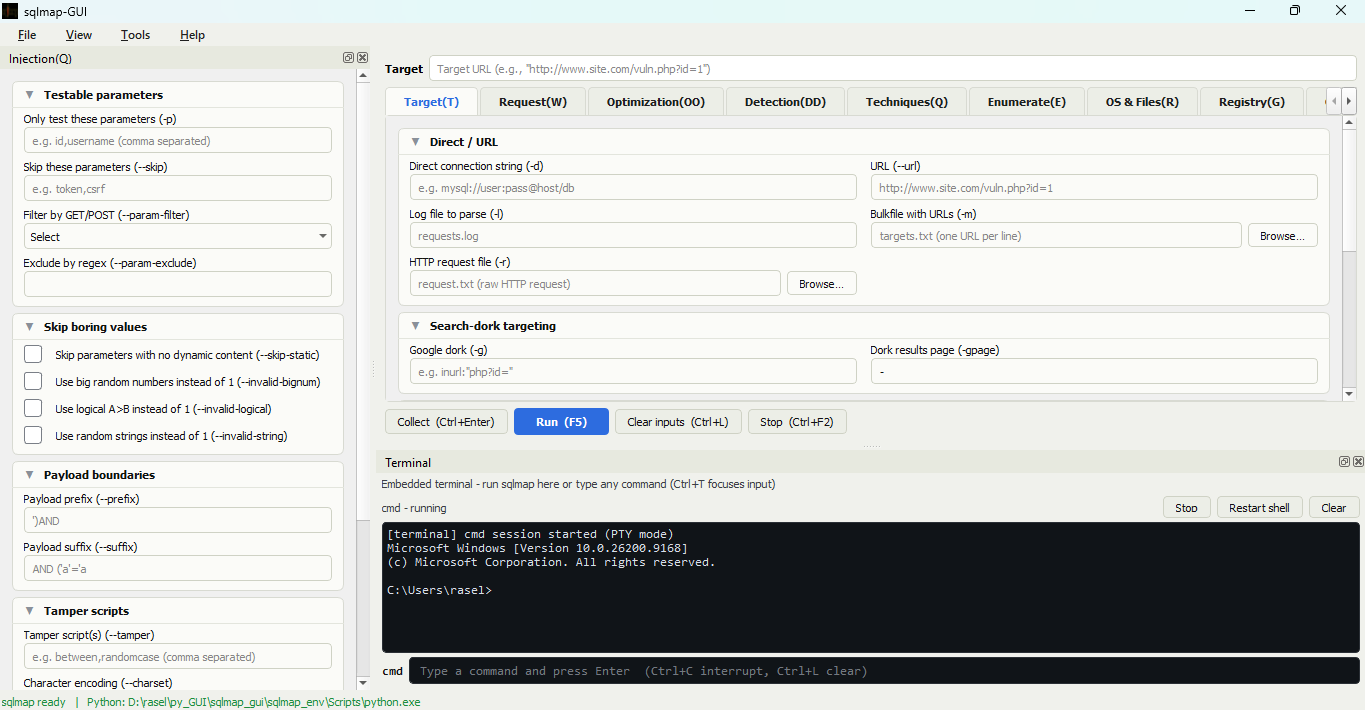
sqlmap-gui is a Python-based graphical user interface (GUI) for interacting with the powerful sqlmap penetration testing tool. This GUI simplifies the use of sqlmap, enabling users to execute SQL injection tests and analyze vulnerabilities without requiring extensive command-line experience.





- User-Friendly Interface: Simplified navigation for sqlmap functionalities.
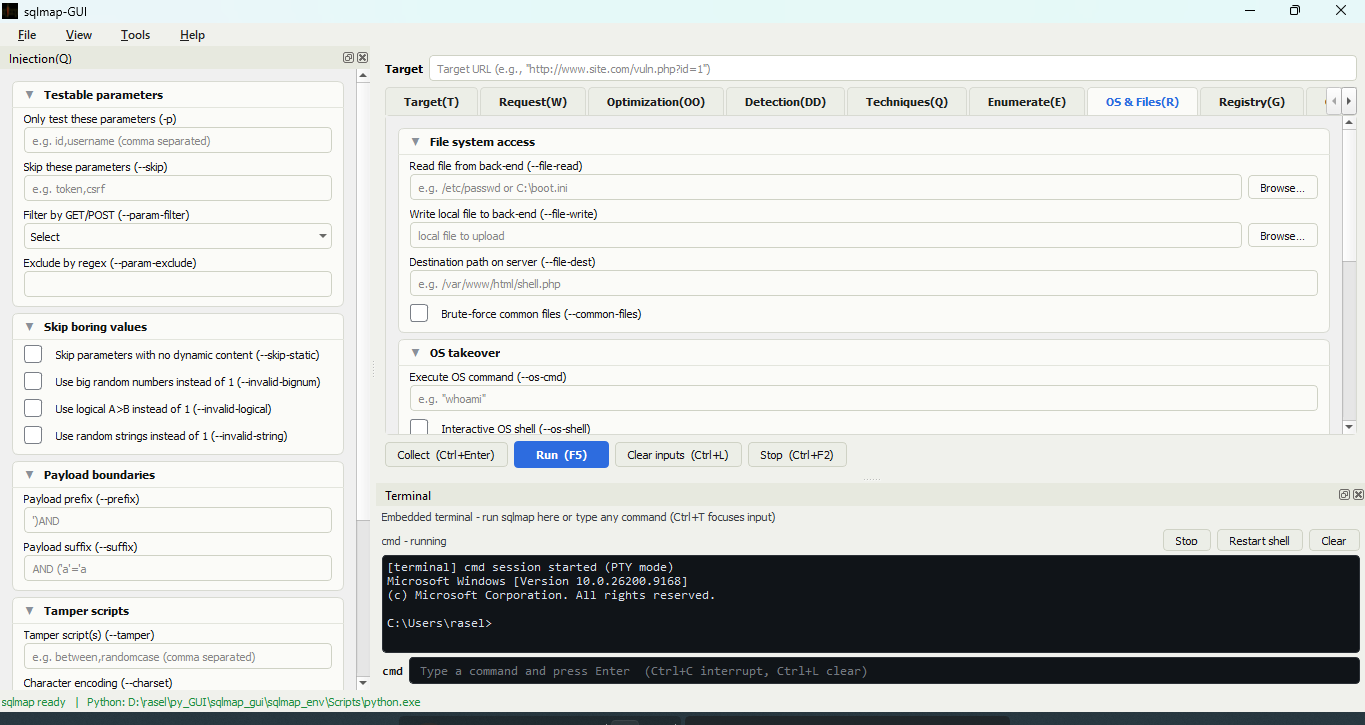
- Comprehensive Options: Access to all popular sqlmap commands with categorized tabs.
- Results Display: Real-time output display for executed sqlmap commands.
- Cross-Platform: Runs on Windows and
Linux(working). - Customizable: Easily add new features or extend the interface.
pip install sqlmap-guiThat single command pulls in everything the GUI needs, including the
pywinpty terminal backend on Windows. Run it with:
sqlmap-guipip install puts a sqlmap-gui launcher on your PATH, so this works from
any directory. If you installed into a virtual environment, activate it first --
the launcher lives in that environment's Scripts/bin folder, not on the
system PATH.
To launch with a console attached (handy for seeing tracebacks), run
python -m sqlmap_gui instead.
Tip
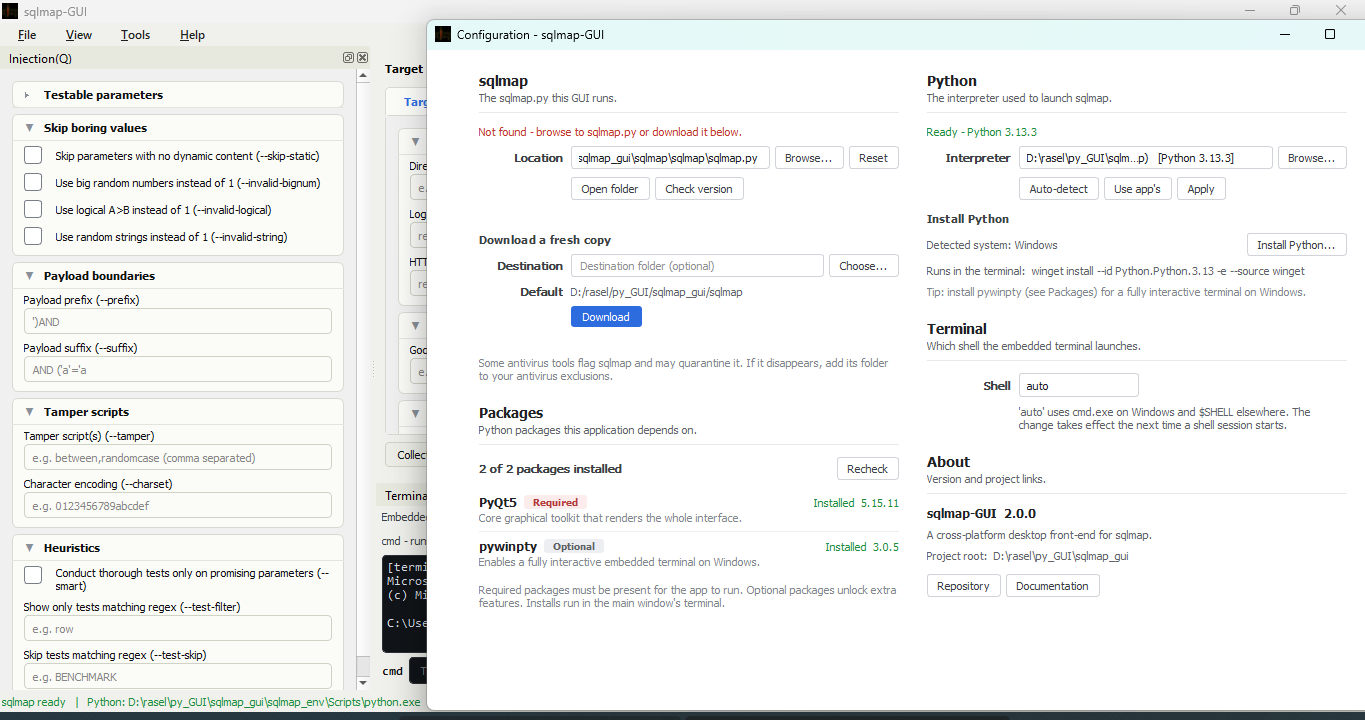
sqlmap itself is not bundled. On first use, point the GUI at an existing sqlmap checkout or let it download the latest sqlmap for you from the Environment settings.
Setting up a development environment, building a standalone .exe, or using
the builder scripts is covered in DEVELOPMENT.md.
- Launch the GUI (
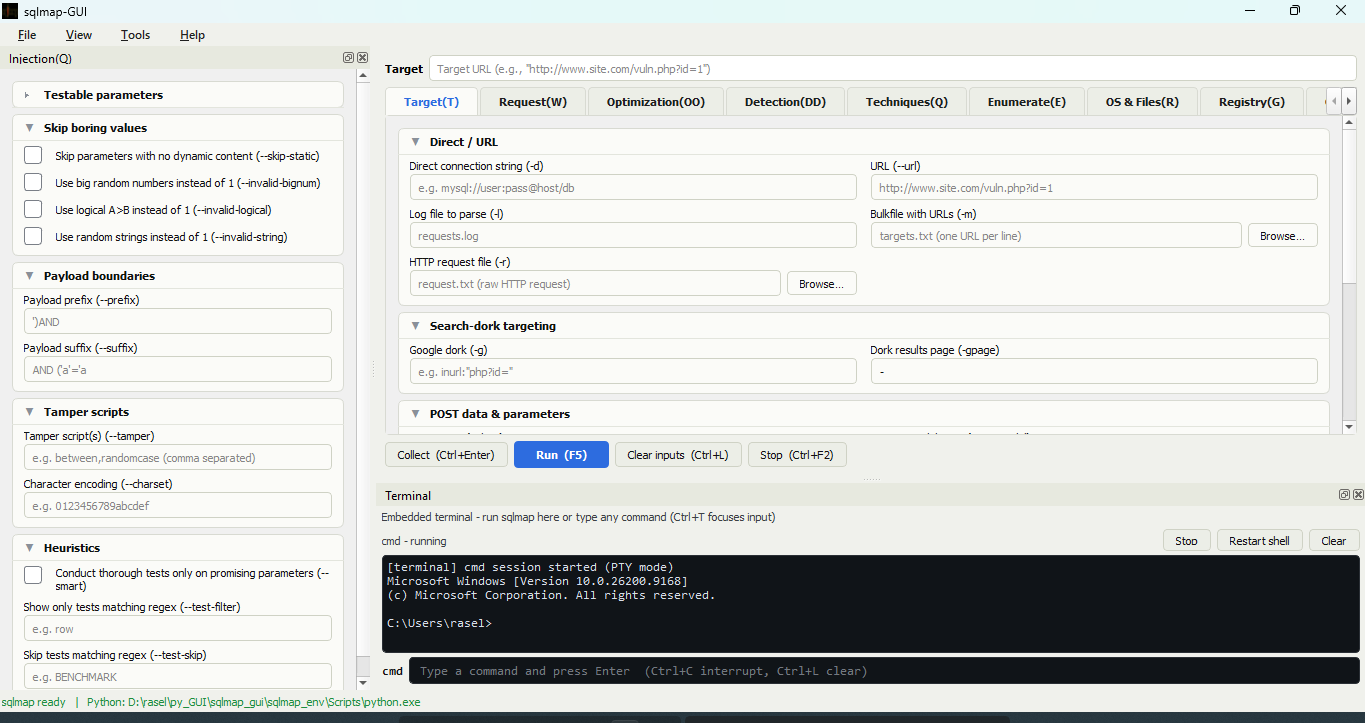
sqlmap-gui). - Navigate through the tabs to explore sqlmap commands:
- Injection Tests: Enter a target URL and customize sqlmap options.
- Advanced Options: Configure sqlmap payloads and settings.
- Execute the command and view results in the output console.
Here is a sample workflow for detecting vulnerabilities on a target website:
- Enter the target URL:
http://example.com/page?id=1. - Select detection options like:
- Technique:
--technique=T - DBMS:
--dbms=mysql
- Technique:
- Click
Runto execute sqlmap. - View results in the output console.
To get a list of basic options and switches use:
-hTo get a list of all options and switches use:
-hhTo get an overview of sqlmap capabilities, a list of supported features, and a description of all options and switches, along with examples, you are advised to consult the user's manual. Use extra/optional command input option to use those extra options and switches. You can find Custom Query option in Enumerate tab.
- Python 3.8+
- PyQt5 (installed automatically by pip)
- sqlmap source
Contributions are welcome! To contribute:
-
Fork this repository.
-
Create a new branch:
git checkout -b feature-name
-
Commit your changes:
git commit -m "Add feature" -
Push to your branch:
git push origin feature-name
-
Open a pull request.
This project is licensed under the MIT License, sqlmap license.